
Read AI: How to make your meetings smarter and more efficient

Have you ever tried to actively participate in a meeting whilst taking notes to make sure you don’t miss a thing? Or felt frustrated when nobody can remember what was actually decided?
You’re not alone! And now there’s a solution:
Read AI – the smart meeting assistant powered by artificial intelligence.
Read AI helps you get more out of every meeting, without you having to take notes yourself. The tool analyses, summarises and delivers action points automatically, so that you and your team can focus on what really matters.
What is Read AI?
Read AI is more than just a recording tool. It is an AI-powered meeting assistant that transcribes, summarises and analyses your meetings. The solution provides you with clear minutes, decision points and insights into communication and team dynamics. The goal is clear: shorter, more efficient meetings and better decisions.
Key features of Read AI
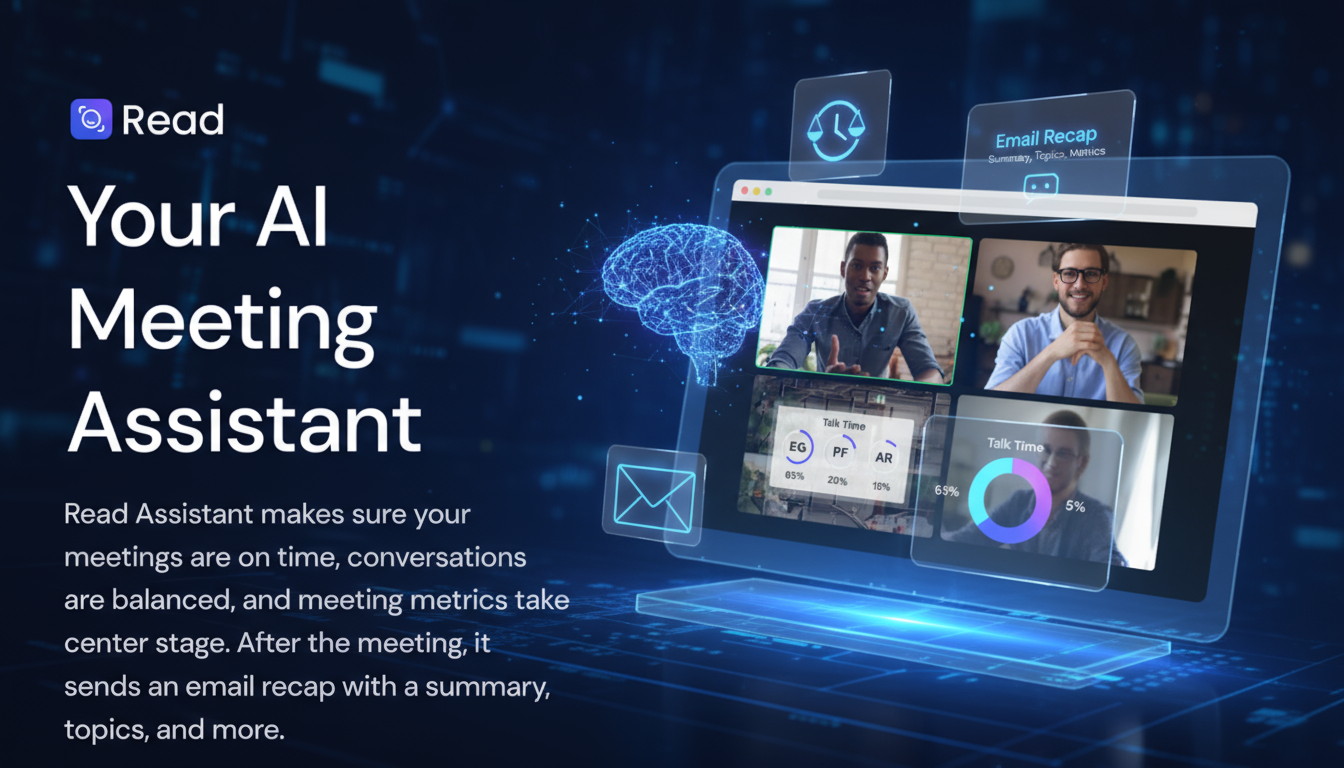
- Automatic summaries: You receive a short and clear summary immediately after the meeting – sent straight to your email.
- Action points: Read AI automatically identifies tasks and decisions, so you don’t have to note everything down yourself.
- Mood analysis: See what the mood was like in the meeting – who was engaged, and how the conversation flowed.
- Personal AI coach: Get handy tips on how to improve for your next meeting, based on your communication style.
How does Read AI work in practice?
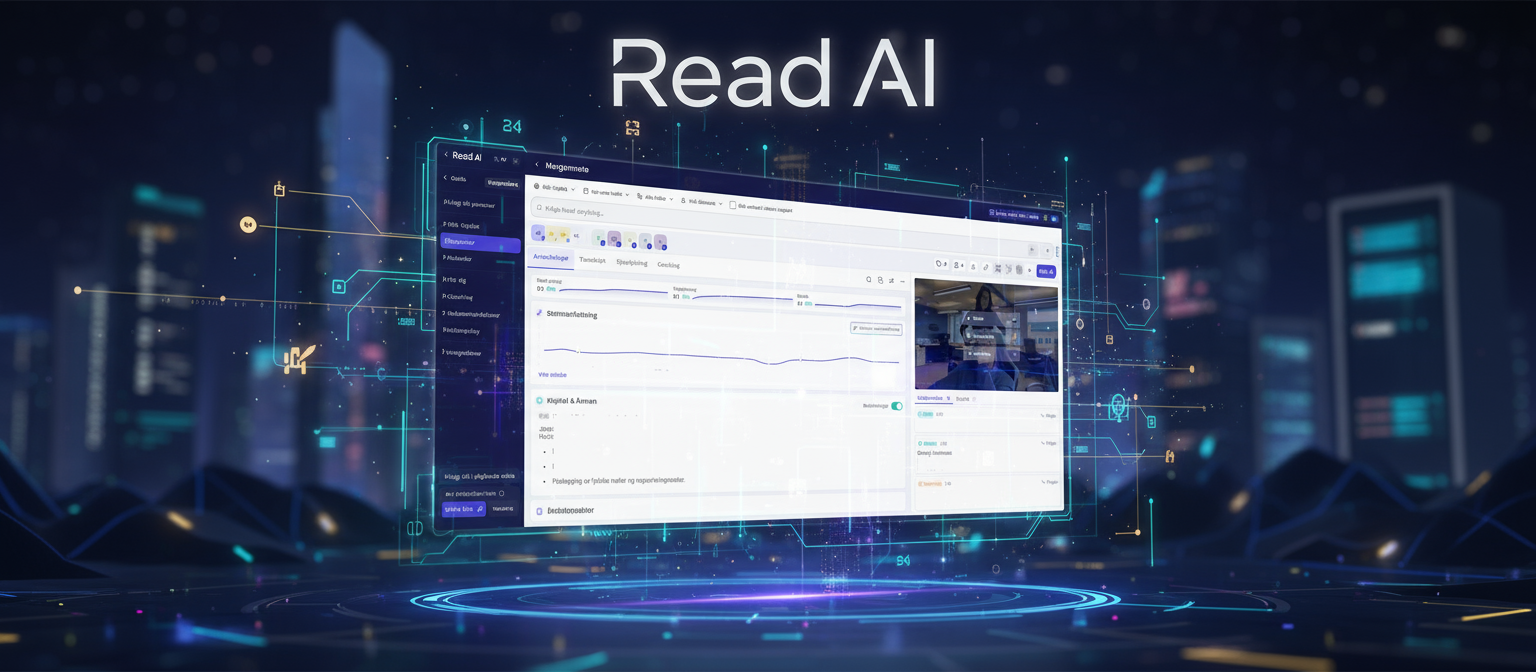
During the meeting, Read AI listens actively. It identifies who is speaking, analyses the conversation and organises the information in a clear and structured way. After the meeting, you receive a report containing summaries, decisions and suggestions for the next steps – without you having to write a single note.
Example: If you’re chairing a project meeting, Read AI can automatically generate a full summary with key points and action items. The report can easily be shared via Slack or Teams, or uploaded directly to your CRM system.
Read AI can also detect patterns and trends across multiple meetings. It can show which topics keep cropping up, which decisions are being repeated, and where collaboration can be improved. This gives managers better insight into both communication and efficiency. In short: you can do away with manual writing, notes and follow-ups – Read AI does the job for you, so you can focus on the strategy and the decisions that really matter.
Benefits of AI-powered meetings
By using Read AI, you get smarter meetings with immediate results:
- Shorter meetings: Focus on what matters most.
- Better collaboration: Communication insights strengthen dialogue and understanding.
- Automated minutes: Save time and reduce errors.
- Clearer decisions: Everyone receives the same information and knows what applies.
Seamless integration into your workflow
Read AI integrates seamlessly with your existing tools: Microsoft Teams, Google Meet, Slack, Salesforce and Notion. You don’t need to change your routines – the tool works automatically in the background. AI-optimised meeting process: Data is continuously analysed to provide smarter recommendations and a better workflow.
Who is Read AI suitable for?
Read AI is designed for:
- Remote teams seeking better structure and decision-making.
- Project teams looking to reduce meeting time and increase focus on delivery.
- Managers and consultants who need insights into communication and collaboration.
Results: Companies using Read AI report increased productivity, fewer misunderstandings and higher employee satisfaction.
Get started with Read AI in just a few minutes
Getting started with Read AI is easy:
- Register on the platform: https://www.read.ai/.
- Connect to your preferred meeting tool
- Let the AI assistant take care of the rest.
You don’t need any technical background – Read AI is designed for anyone who wants to get more out of their meeting time.
Security and privacy
Data security is paramount, and the platform uses advanced encryption, centralised access control and GDPR-compliant data processing. You can use the tool with confidence in both private and public organisations.
Conclusion: With Read AI, you no longer need to be both a participant and a secretary.
You get efficient meetings, clear decisions and valuable insights – completely automatically.
We at Mediabooster use Read AI and it has saved us time, improved collaboration and made our meetings more valuable. This is an AI tool we can wholeheartedly recommend! Are you curious to find out how AI can make your working day a little easier? Get in touch and book a free consultation with us.
Frequently asked questions about Read AI (FAQ)
What is Read AI, and how does it work?
An AI assistant that analyses, summarises and structures your meetings – completely automatically.
How can Read AI make me more productive?
By taking care of minutes, follow-ups and action points, so you can focus on the tasks that create value.
Which platforms does Read AI support?
Read AI supports Microsoft Teams, Google Meet, Slack, Salesforce and Notion, amongst others.
Is it safe to use Read AI?
Yes – the platform adheres to the highest security standards and processes all information in encrypted form.
Who benefits most from the tool?
Anyone who attends a lot of meetings: from managers and project leaders to consultants and remote teams.